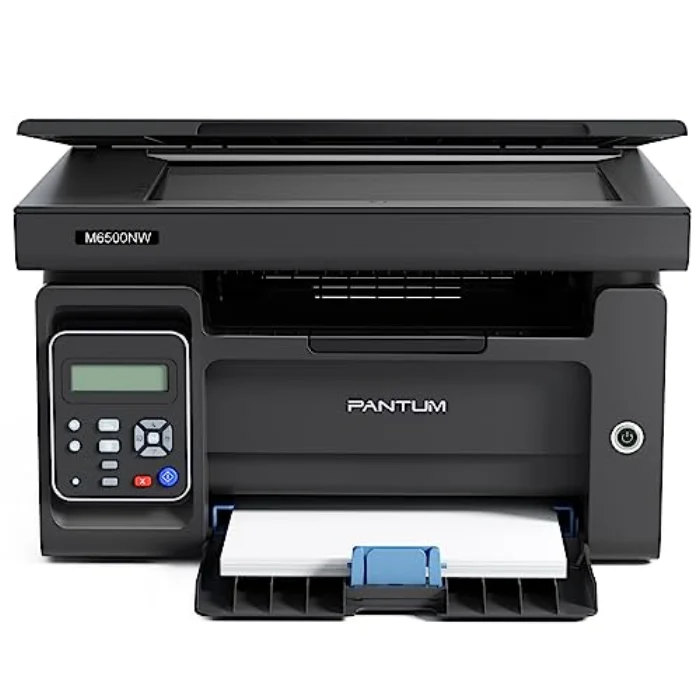
Pantum is not a household name like HP or Canon, and that is precisely why the BP2300W is so cheap: you are not paying for the badge. What you are buying is the core benefit of a mono laser, sharp, reliable, low-cost black text, stripped of everything else and priced to undercut the big brands. For the buyer who just wants documents printed cheaply and does not need hand-holding, it is the value play on this list.
Who is the Pantum BP2300W for?
This is the right printer if you want the lowest possible cost to print black text, full stop. The buyer it suits is cost-focused and practical: a student, a spare-room office, a household that prints plenty of plain documents and wants both the printer and the toner to be as cheap as they can be. If that describes you and you do not need scanning, copying or colour, very little else competes on price per page.
It is the wrong printer if you want an all-in-one or any colour. Like the HP LaserJet M110we, it prints only, in black only, but it goes further on price at the cost of a less polished experience. If you need scanning or colour, an Epson EcoTank or Brother MFC-J1010DW is your printer; if you want a more refined mono laser with better software, the HP is worth the extra.
How the Pantum BP2300W performs
Running cost: the lowest here
This is the whole reason to buy it. The toner is cheap, widely available and high-yield, so the cost per page is the lowest on this list, and a single starter cartridge lasts a long time for typical home use. Combined with a very low purchase price, that makes the BP2300W the cheapest printer here to both buy and run for plain black text, which for a high-volume document printer is exactly the priority.
Text quality and reliability
It prints clean, sharp black text and, being a laser, the toner never dries out, so it is dependable even if it sits unused for weeks. The first page comes out quickly for text jobs. The output will not surprise anyone who has used a laser before, which is the point: it does the core job properly, which is all most document printing asks of it.
Connectivity
It connects over Wi-Fi and supports printing from phones and laptops, so it slots into a modern home network without trouble. Setup is straightforward, if a little less guided than HP's, and once connected it gets on with the job.
Software and support
Here is where the savings show. Pantum's app and support are more basic than HP's, with less of the polish and hand-holding the bigger brands offer. For a confident user who just wants to print, that is a fair trade for the lower price; for someone who values a smooth app and strong support, it is the reason to spend a little more on the HP LaserJet M110we instead.
The honest downside: basic experience, print only
The BP2300W's compromises are exactly where you would expect on the cheapest laser here: no scanning, no copying, no colour, and a plainer app and support experience than the big brands. None of that matters if all you want is cheap, reliable black text, and the core printing is genuinely good. But if you want polish, extra functions or reassurance, the savings come at the cost of those things, and you should weigh that honestly before buying.