Inkjet, laser or ink-tank: the decision that matters most
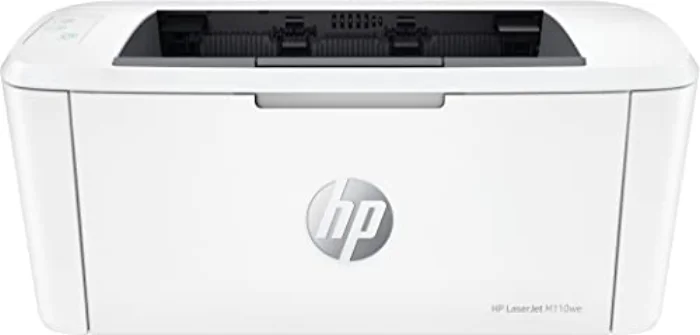
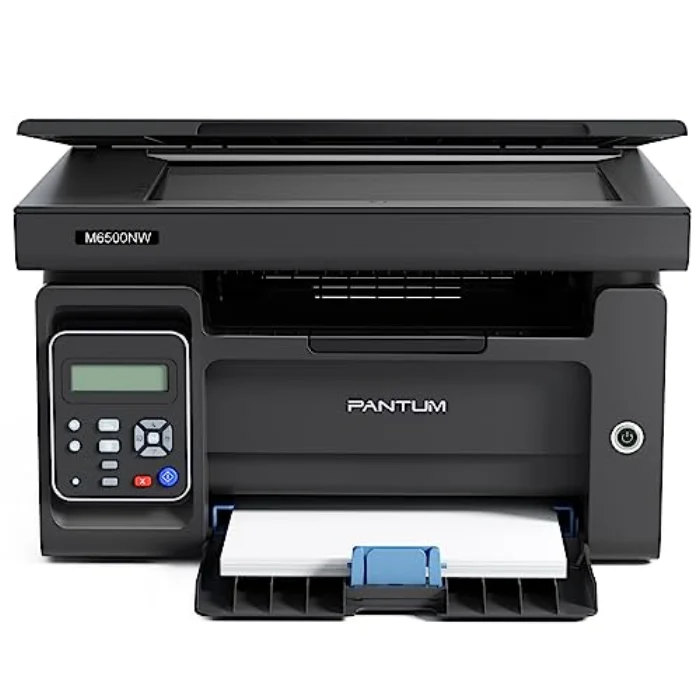
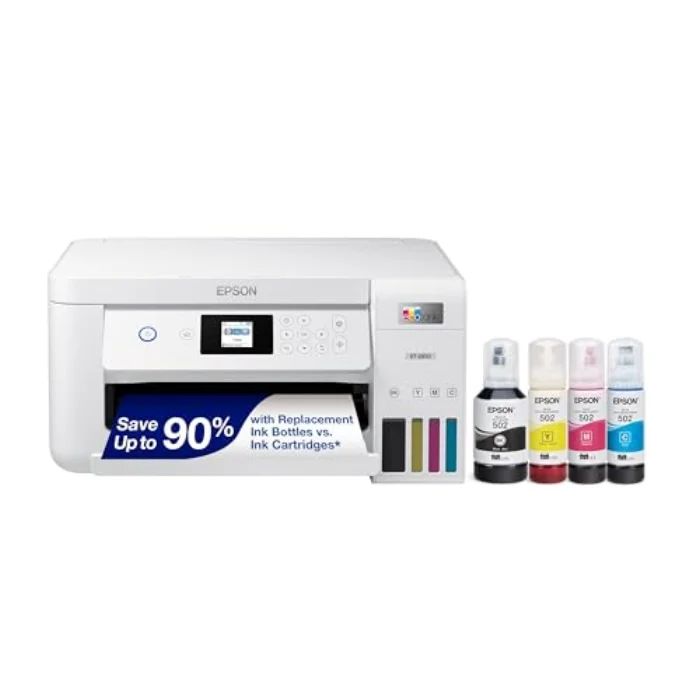
The single most important choice is the type of printer, because it determines everything else. An inkjet sprays liquid ink, prints in colour and photos, and the all-in-one versions scan and copy too. It suits most homes, but cheap cartridge models can be expensive to refill, and the ink dries out if the printer sits idle. A mono laser uses dry toner, prints only in black, and is faster, sharper on text and far cheaper per page, with toner that never dries out. It suits anyone whose printing is mostly documents. An ink-tank printer, like the Epson EcoTank ET-2850, is an inkjet with refillable bottles instead of cartridges, giving colour at a laser-low running cost in exchange for a higher purchase price.
The way to choose is to answer two questions: do you need colour, and how much do you print? If you print a lot in colour, an ink-tank printer is the cheapest to own. If you print mostly black text, a mono laser is cheapest and most reliable. If you print a moderate amount and want an all-in-one, a cartridge inkjet, ideally with an ink plan, is the sensible middle. Our inkjet vs laser guide goes deeper on this single most important call.
Running cost: the figure shops hope you ignore
The most common and most expensive mistake is judging a printer by its sticker price. Many printers are sold cheaply precisely because the manufacturer makes its money on the ink afterwards, and a bargain cartridge inkjet can cost more to refill in a year than it cost to buy. So before anything else, estimate how much you print and work out the likely cost per page, not just the up-front price.
As a rough guide: ink-tank printers and mono lasers have very low costs per page; cartridge inkjets are moderate to high unless you use an ink subscription that charges by the number of pages. If you print regularly in colour, an ink-tank model or a plan will save you a great deal over the printer's life. If you barely print, a cheap printer's running cost matters less and the low purchase price wins. Our dedicated cheapest printer to run guide sets out exactly where the cost hides.
Features worth paying for, and ones you can skip
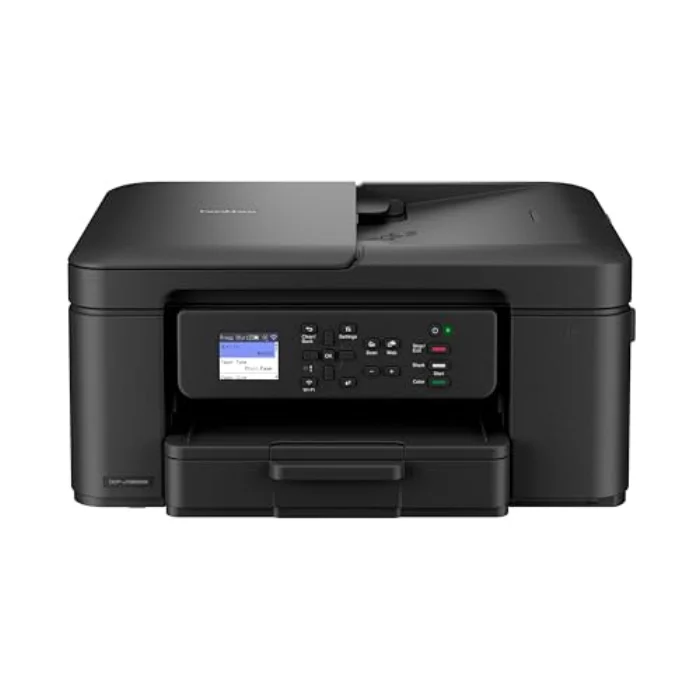
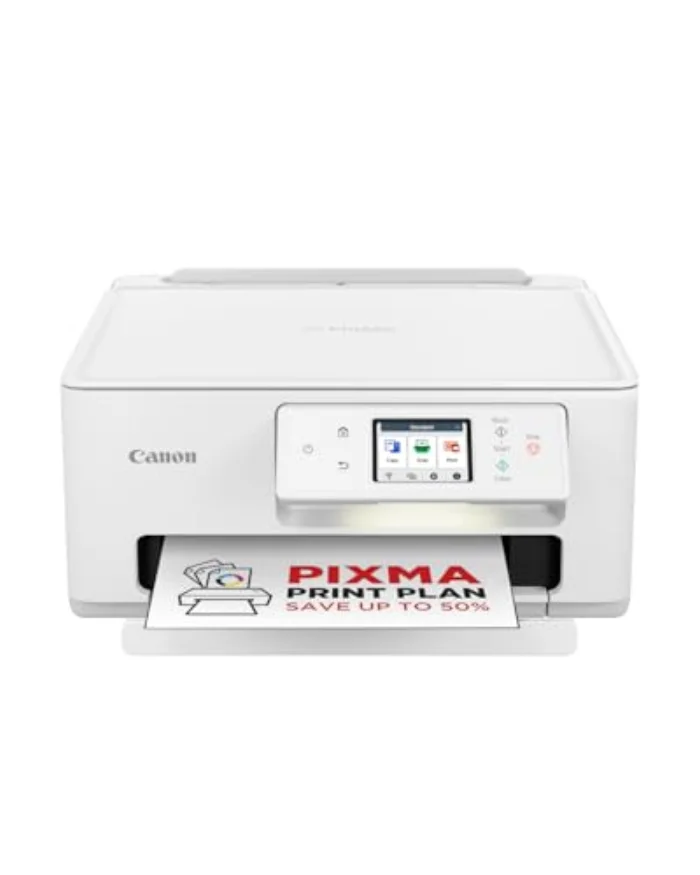
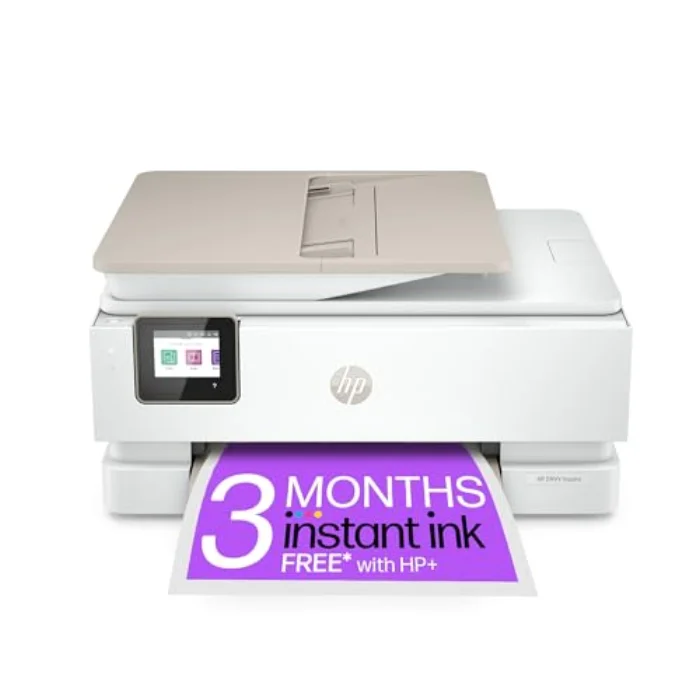
A handful of features genuinely matter. An all-in-one (print, scan, copy) is worth it for almost any home, because you will eventually need to scan or copy something, and it costs little more than a print-only model. An automatic document feeder, as on the Canon PIXMA TR4750i, is a real time-saver if you scan or copy multi-page documents. Automatic double-sided printing, found even on the compact Brother MFC-J1010DW, saves paper and looks tidier. A dedicated photo tray, as on the HP ENVY Inspire, is worth it only if you print photos.
Other features are nice-to-have rather than deciding factors. Fax is included on some all-in-ones but rarely used now. Touchscreens and gadgets add cost without changing how well the printer prints. And brand buys you build quality, support and a polished app, worth paying for if you value those, but never a substitute for choosing the right type and running cost.
Connectivity and speed: how much do they matter?
Wi-Fi and mobile printing are effectively standard now, and they matter, because a household prints from phones, tablets and laptops, not just one PC. A polished app, like HP Smart or Epson's Smart Panel, makes printing and scanning from a phone genuinely easy and is a daily quality-of-life benefit. Speed, on the other hand, matters less than people expect at home: for a few pages a day, the difference of a page or two per minute is irrelevant. Lasers are quicker for bursts of many pages, but for typical home use, reliability and running cost should weigh far more heavily than raw speed.