Best printer for a home office: what to buy and why

Working from home changes what you need from a printer. It is no longer the occasional letter; it is contracts, invoices, forms and scans, day in, day out. This guide explains what a home office actually needs, and which printer to buy, whatever your budget and workload.

Transparency: This article contains affiliate links. If you buy through one of them, we may earn a commission, at no extra cost to you. That is how we fund our testing and keep this site independent. More about how we test.

Contents

Our selection

Model Price TypeFunctionsConnectivity Rating Link
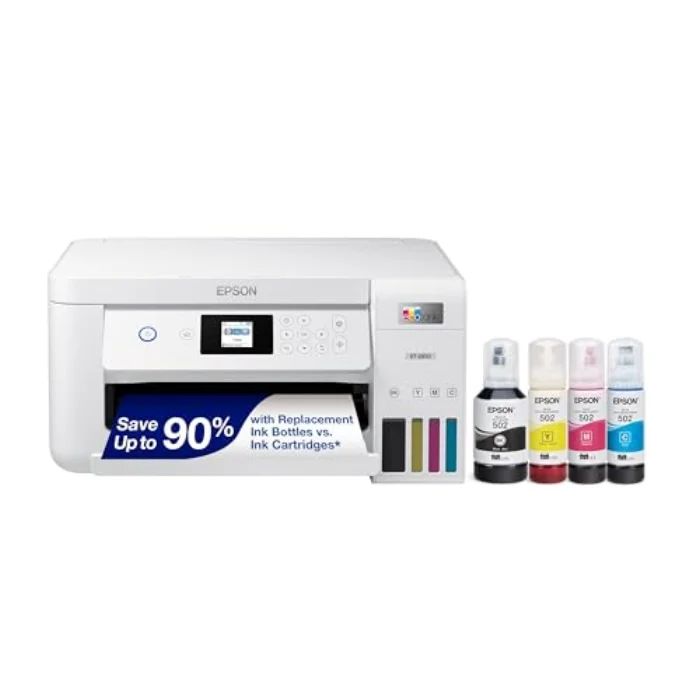
Epson EcoTank ET-2850 Cartridge-Free Printer ★ Top pick Epson EcoTank ET-2850 Cartridge-Free Printer £384.10 Inkjet, refillable ink tankPrint, scan, copy (3-in-1)Wi-Fi, USB, Epson Smart Panel app ★ 4.5 View →
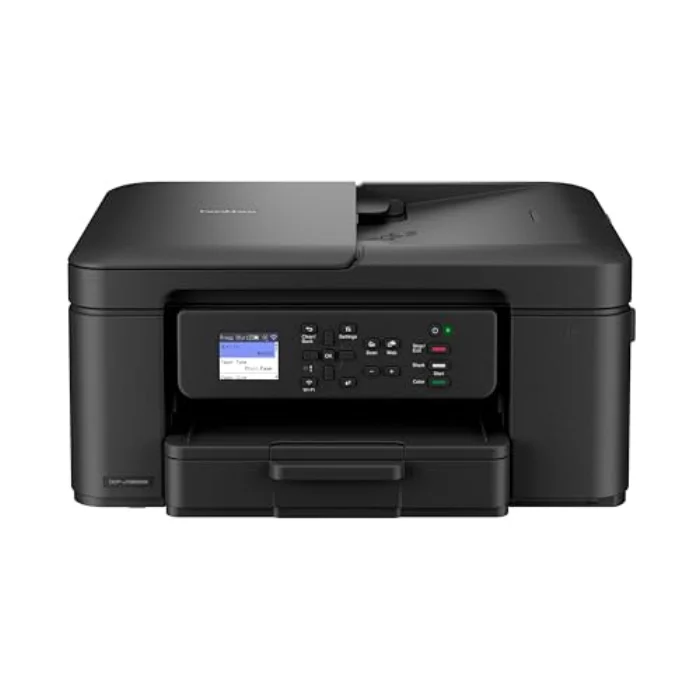
Brother MFC-J1010DW Compact Wireless Inkjet Brother MFC-J1010DW Compact Wireless Inkjet £119.99 Inkjet, cartridgePrint, scan, copy (3-in-1)Wi-Fi, USB, mobile printing ★ 4.3 View →
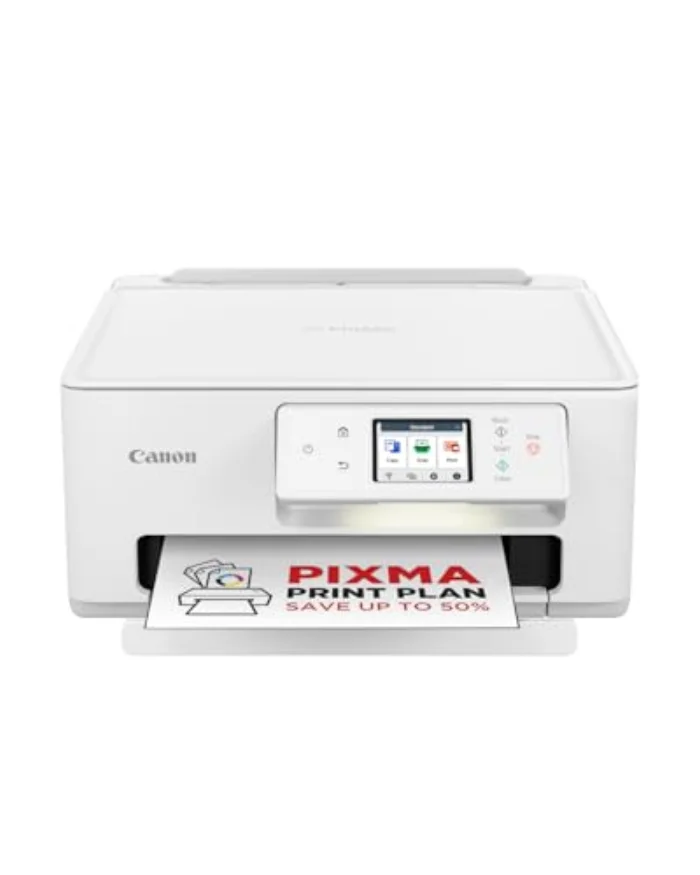
Canon PIXMA TR4750i Wireless All-in-One Canon PIXMA TR4750i Wireless All-in-One £69.99 Inkjet, cartridgePrint, scan, copy, fax (4-in-1)Wi-Fi, USB, automatic document feeder ★ 4.1 View →
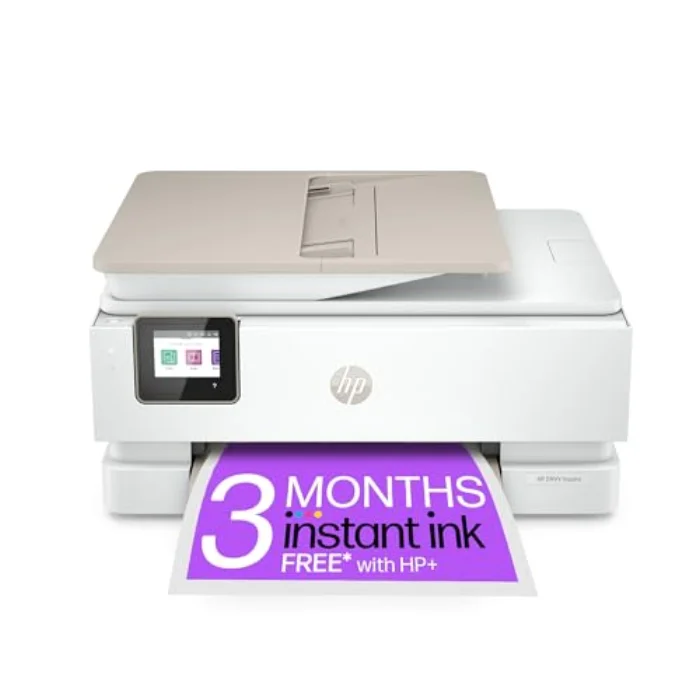
HP ENVY Inspire 7920e All-in-One Printer HP ENVY Inspire 7920e All-in-One Printer £139.99 Inkjet, cartridgePrint, scan, copy (3-in-1)Wi-Fi, USB, HP Smart app, photo tray ★ 4.2 View →
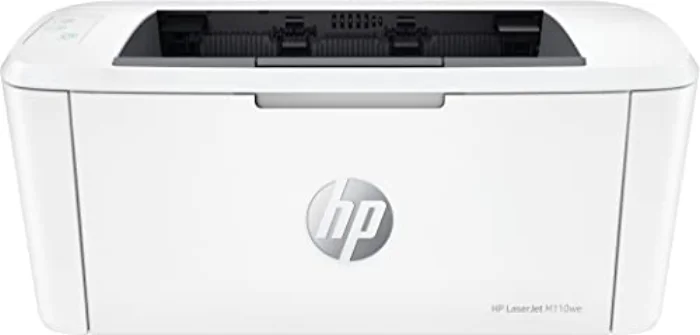
HP LaserJet M110we Mono Laser Printer HP LaserJet M110we Mono Laser Printer £100.79 Mono laserPrint onlyWi-Fi, USB, HP Smart app ★ 4.4 View →
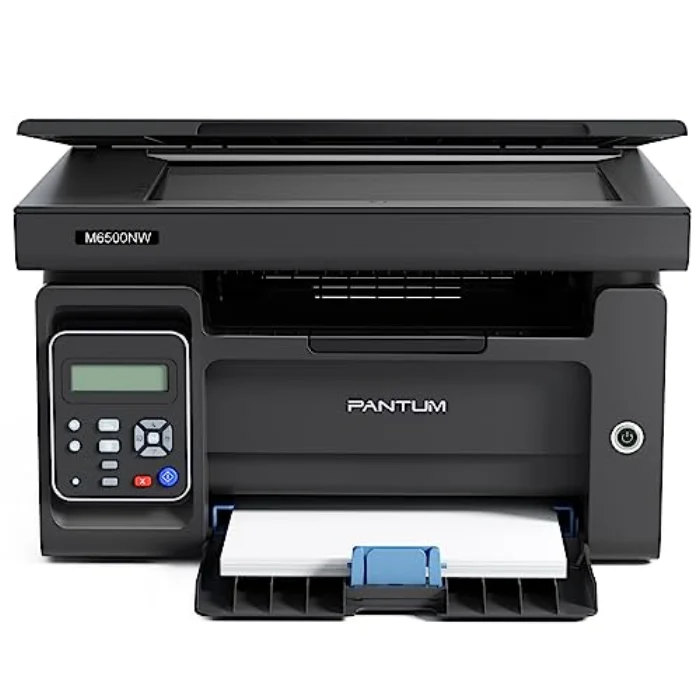
Pantum BP2300W Compact Mono Laser Printer Pantum BP2300W Compact Mono Laser Printer £110.42 Mono laserPrint onlyWi-Fi, USB, mobile printing ★ 4 View →
★ Top pick
Epson EcoTank ET-2850 Cartridge-Free Printer £384.10
Type : Inkjet, refillable ink tankFunctions : Print, scan, copy (3-in-1)Connectivity : Wi-Fi, USB, Epson Smart Panel app ★ 4.5/5
View on Amazon →
Brother MFC-J1010DW Compact Wireless Inkjet £119.99
Type : Inkjet, cartridgeFunctions : Print, scan, copy (3-in-1)Connectivity : Wi-Fi, USB, mobile printing ★ 4.3/5
View on Amazon →
Canon PIXMA TR4750i Wireless All-in-One £69.99
Type : Inkjet, cartridgeFunctions : Print, scan, copy, fax (4-in-1)Connectivity : Wi-Fi, USB, automatic document feeder ★ 4.1/5
View on Amazon →
HP ENVY Inspire 7920e All-in-One Printer £139.99
Type : Inkjet, cartridgeFunctions : Print, scan, copy (3-in-1)Connectivity : Wi-Fi, USB, HP Smart app, photo tray ★ 4.2/5
View on Amazon →
HP LaserJet M110we Mono Laser Printer £100.79
Type : Mono laserFunctions : Print onlyConnectivity : Wi-Fi, USB, HP Smart app ★ 4.4/5
View on Amazon →
Pantum BP2300W Compact Mono Laser Printer £110.42
Type : Mono laserFunctions : Print onlyConnectivity : Wi-Fi, USB, mobile printing ★ 4/5
View on Amazon →
BEST OVERALL
Epson EcoTank ET-2850 Cartridge-Free Printer - printer Epson

Epson EcoTank ET-2850 Cartridge-Free Printer

4.5/5

£384.10

Inkjet, refillable ink tank · Print, scan, copy (3-in-1) · Wi-Fi, USB, Epson Smart Panel app

  • Tiny running cost: refillable bottles instead of cartridges
  • Up to two years of ink in the box
  • Reliable Wi-Fi and a genuinely useful app
  • Sharp text and decent photo prints
  • Higher up-front price than a cartridge printer
  • No automatic document feeder
Print quality 4/5
Running cost 5/5
Ease of use 4/5
View on Amazon →
BEST VALUE
Brother MFC-J1010DW Compact Wireless Inkjet - printer Brother

Brother MFC-J1010DW Compact Wireless Inkjet

4.3/5

£119.99

Inkjet, cartridge · Print, scan, copy (3-in-1) · Wi-Fi, USB, mobile printing

  • Genuinely compact: fits a small desk or shelf
  • Automatic double-sided printing
  • Affordable, widely stocked cartridges
  • Reliable Brother build and support
  • Slower than the EcoTank on long jobs
  • Photo output is good rather than great
Print quality 4/5
Running cost 4/5
Ease of use 4/5
View on Amazon →
BEST BUDGET
Canon PIXMA TR4750i Wireless All-in-One - printer Canon

Canon PIXMA TR4750i Wireless All-in-One

4.1/5

£69.99

Inkjet, cartridge · Print, scan, copy, fax (4-in-1) · Wi-Fi, USB, automatic document feeder

  • Lowest price here for a full all-in-one
  • Includes an automatic document feeder and fax
  • Compatible with a low-cost ink subscription
  • Simple to set up over Wi-Fi
  • Cartridge running cost adds up without a plan
  • Build feels lighter than the pricier units
Print quality 4/5
Running cost 3/5
Ease of use 4/5
View on Amazon →
BEST FOR PHOTOS
HP ENVY Inspire 7920e All-in-One Printer - printer HP

HP ENVY Inspire 7920e All-in-One Printer

4.2/5

£139.99

Inkjet, cartridge · Print, scan, copy (3-in-1) · Wi-Fi, USB, HP Smart app, photo tray

  • Excellent colour and photo output
  • Dedicated photo paper tray
  • Polished HP Smart app and setup
  • Smart styling for a living room or study
  • Running cost relies on an Instant Ink plan
  • Photo focus is wasted if you only print text
Print quality 5/5
Running cost 3/5
Ease of use 4/5
View on Amazon →
BEST FOR TEXT
HP LaserJet M110we Mono Laser Printer - printer HP

HP LaserJet M110we Mono Laser Printer

4.4/5

£100.79

Mono laser · Print only · Wi-Fi, USB, HP Smart app

  • Crisp, fast black-and-white text
  • Toner that does not dry out between jobs
  • Very low cost per page
  • Compact for a laser printer
  • Mono only: no colour or photos
  • No scanner or copier
Print quality 4/5
Running cost 5/5
Ease of use 4/5
View on Amazon →
CHEAPEST RUNNING COST
Pantum BP2300W Compact Mono Laser Printer - printer Pantum

Pantum BP2300W Compact Mono Laser Printer

4/5

£110.42

Mono laser · Print only · Wi-Fi, USB, mobile printing

  • Very low purchase price for a laser
  • Cheap, widely available toner
  • Small footprint
  • Fast first page for text jobs
  • Print only: no scan or copy
  • App and support less polished than HP
Print quality 4/5
Running cost 5/5
Ease of use 3/5
View on Amazon →

What a home office actually needs from a printer

A home office printer has a tougher brief than a typical home one. It needs to be reliable, because a printer that fails the morning you need to send a signed contract is a real problem. It needs low running costs, because office printing tends to be steady and adds up. And it almost always needs to scan and copy, because working from home means digitising paperwork constantly. Speed and photo quality, by contrast, usually matter far less than people expect. Get reliability, running cost and scanning right, and you have the printer your home office needs.

The right specific choice then comes down to your workload. A light home office that prints and scans the occasional document is well served by an affordable all-in-one like the Brother MFC-J1010DW or the budget Canon PIXMA TR4750i. A busier one that prints in volume should prioritise low running costs with the Epson EcoTank ET-2850, or, if the work is mostly black text, the speed and economy of the HP LaserJet M110we.

Why a scanner is almost essential

This is the feature first-time home-office buyers most often underestimate. Working from home means a steady stream of documents that need digitising: signed contracts, receipts for expenses, ID for verification, forms to return. An all-in-one (print, scan, copy) handles all of that for only a little more than a print-only machine, and it saves you buying a separate scanner that clutters the desk. If you regularly deal with multi-page documents, a unit with an automatic document feeder, like the Canon PIXMA TR4750i, is worth seeking out, because feeding pages one at a time onto the scanner glass quickly becomes a daily irritation. For all but the most print-only of home offices, a scanner is not a luxury, it is a core tool.

Inkjet or laser for a home office?

The answer follows the same logic as for any printer, but office workloads sharpen it. If your work is mostly black-and-white documents, contracts, invoices, letters, a mono laser like the HP LaserJet M110we is the most cost-effective and reliable choice: fast, sharp, cheap per page, and never let down by dried-up ink. The downside is no colour and, on home models, no scanner, so you would pair it with a separate scanner or accept print-only.

If you need colour, the occasional photo, or scanning in one machine, which most home offices do, an all-in-one inkjet is right, and an ink-tank model like the Epson EcoTank ET-2850 gives you that flexibility while keeping running costs low enough for steady office use. Many home offices end up best served by exactly that combination: the EcoTank's low cost per page with the convenience of built-in scanning and copying. Match the printer to your real document mix, and you will not overspend on capability you never use.
Frequently asked questions

Q
What is the best printer for working from home?

For most home offices, an all-in-one inkjet with low running costs is ideal: it prints, scans and copies the documents you actually deal with. Our top pick is the Epson EcoTank ET-2850 for its very low cost per page; the Brother MFC-J1010DW is the value choice; and if you mostly print black text, the HP LaserJet M110we mono laser is faster and cheaper.

Q
Do I need a scanner in my home office?

Almost certainly. Working from home usually means scanning or copying contracts, receipts, forms and ID at some point. An all-in-one printer handles all of that for little more than the cost of a print-only model, and a unit with an automatic document feeder, like the Canon PIXMA TR4750i, makes multi-page scanning far quicker.

Q
Should a home office printer be inkjet or laser?

If your work is mostly black-and-white documents and reliability matters, a mono laser is the most cost-effective and dependable choice. If you also need colour, photos or scanning in one machine, an ink-tank inkjet such as the EcoTank gives you that flexibility while keeping running costs low. Match the printer to your real workload.

Our advice in one paragraph

For most home offices, buy a low-running-cost all-in-one: our top pick is the Epson EcoTank ET-2850 for its very low cost per page plus scanning and copying. If you want to spend less, the Brother MFC-J1010DW is the value choice and the Canon PIXMA TR4750i, with its document feeder, the budget all-in-one. If your work is mostly black text and reliability is everything, the HP LaserJet M110we mono laser is faster and cheaper to run. Prioritise reliability, running cost and scanning over speed and photo quality, and your home office printer will earn its keep quietly for years. For the wider picture, read our buying guide.